AU PAIR SCHEDULING
Au Pair Schedule Template: A Simple Weekly Format for Host Families
By Au Pair AI · Published September 25, 2026 · Updated September 25, 2026 · 5 min read
An au pair schedule template works when it shows the day, start time, end time, school or pickup, activities, tasks, and scheduled hours in one weekly grid. Copy the blank format below, then use the filled example as a starting point for a real host-family week.
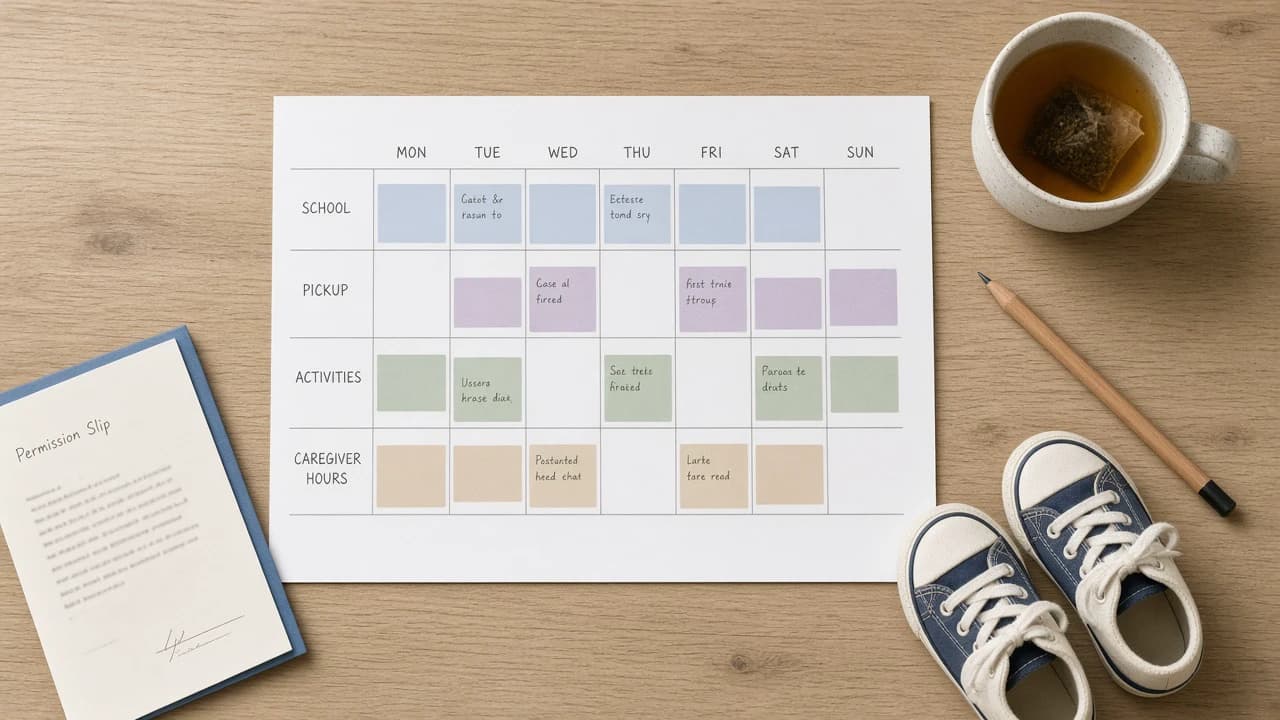
Host families do not need a complicated system to make the week readable. They need one grid both people can see. Au Pair AI is an AI-native au pair scheduling platform for host families and au pairs, and it keeps this information in a shared plan. The template on this page is useful on its own, even if you never create an account.
Weekly au pair schedule template
Copy this weekly au pair schedule template into a spreadsheet or print it. Keep each row to one day. If two children have different pickups, put both pickups in the School / Pickup cell rather than hiding one of them in a side note.
| Day | Start | End | School / Pickup | Activities | Tasks | Scheduled Hours |
|---|---|---|---|---|---|---|
| Monday | ||||||
| Tuesday | ||||||
| Wednesday | ||||||
| Thursday | ||||||
| Friday | ||||||
| Saturday | ||||||
| Sunday | ||||||
| Weekly total | Add daily scheduled hours. Compare with your configured weekly limit. | |||||
Example weekly au pair schedule
This sample week uses common host-family constraints: school ends at 2:30 PM, soccer is Tuesday at 4:30 PM, a parent meeting Thursday runs until 5:00 PM, and Friday is shorter so the weekly total stays inside a 45-hour configured limit. Names and times are examples, not a required pattern.
| Day | Start | End | School / Pickup | Activities | Tasks | Scheduled Hours |
|---|---|---|---|---|---|---|
| Monday | 7:00 AM | 4:00 PM | School ends 2:30 PM; pickup both children | Pack lunches; start laundry | 9.0 | |
| Tuesday | 7:00 AM | 5:30 PM | School ends 2:30 PM | Soccer 4:30–5:30 PM (Maya) | Water bottle and soccer bag by 4:00 PM | 10.5 |
| Wednesday | 8:00 AM | 5:00 PM | Early dismissal 12:30 PM | Ballet 4:00–5:00 PM (Noah) | Library books in backpack | 9.0 |
| Thursday | 7:00 AM | 5:15 PM | School ends 2:30 PM | Quiet homework time after pickup | 10.25 | |
| Friday | 7:00 AM | 1:00 PM | School as usual; parent takes afternoon | Grocery list on the counter | 6.0 | |
| Saturday | — | — | 0 | |||
| Sunday | — | — | 0 | |||
| Weekly total | 44.75 scheduled hours. If the family's configured limit is 45, Thursday cannot grow unless another day shrinks. | 44.75 | ||||
How to fill the template without hiding the real week
Write start and end times as clock times. “Afternoon” is how misunderstandings begin. If soccer includes the drive, extend the end time rather than leaving the ride implied. If a task is expected, put it on that day so it is not only mentioned in a hallway.
Add the scheduled hours for each day before you share the week. If Tuesday is 10.5 hours and Thursday is 10.25, a later Thursday meeting is not a small favor—it is a weekly-total decision. Au Pair AI tracks scheduled hours against configured daily and weekly limits so that math stays attached to the plan. For the wider method, read how to schedule au pair hours with a busy family calendar.
What a host family schedule template should make visible
- When coverage starts and ends
- Which pickups belong to which child
- Activities with actual times, not only names
- Tasks that are part of the day
- Daily hours and a weekly total
- Time off, if a day or afternoon is already spoken for
If Friday afternoon is time off, write it in the Activities or Tasks cell and set scheduled hours to zero for that block. A blank Friday looks like availability. An explicit “afternoon off” does not.
Use the template for a first draft, then keep one live week
Print the blank grid for a planning conversation at the table. Fill school dismissal first, then activities, then parent work hours, then caregiver coverage. Add the hour column last so the weekly total can still change the plan. When the draft is good enough to share, copy it into Au Pair AI or keep a dated version the au pair can open.
If a later week looks different—early dismissal, a new sports season, a parent trip—start from the previous week instead of a blank page. The template is a format. The value is repeating it.
Paper template now, shared plan later
A printed grid is a good first week. It falls down when soccer moves, a meeting ends at 5:00 PM, or the au pair needs to see an update on a phone. When the week changes, update the same grid rather than starting a second plan in texts. See last-minute au pair schedule changes and au pair scheduling software for host families: the same fields, kept in one plan both people can open.
Host families can continue from the host family page. For hour totals, keep weekly hour limits in view while you fill the last column. Families remain responsible for their program's rules; the template is a planning format, not legal advice.
Keep reading
- Related guide: au pair scheduling software for host families
- Also useful: how to schedule au pair hours around a busy calendar
- Also useful: weekly hour limits to keep in view
Make your family's weekly childcare schedule easier to follow.
Try Au Pair AI freeFree for families during beta.